The Best Rugged Laptops by Use Case
Find the best rugged laptop for your work environment. Compare fully rugged, semi-rugged and ruggedized models by rating, display, battery and price.

My Cart
—
Incl. VAT
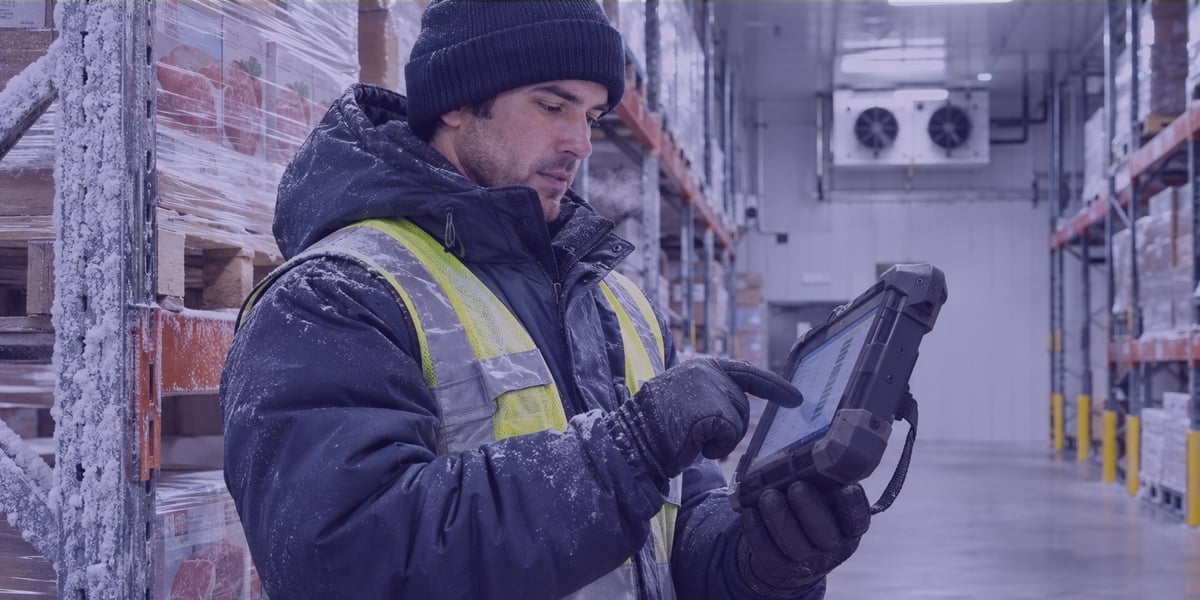
The best rugged tablets for warehousing are the Zebra ET60 or ET65 for forklifts, the Zebra ET40 or ET45 for receiving and picking, the Getac ZX10 G2 for long shifts, the Samsung Galaxy Tab Active5 for supervisors and the Panasonic Toughbook G2 for Windows software. Match the tablet to the job and to your warehouse software.
In this guide
Five rugged tablets cover most warehouse jobs: the Zebra ET60 or ET65, the Zebra ET40 or ET45, the Getac ZX10 G2, the Samsung Galaxy Tab Active5 and the Panasonic Toughbook G2. The most common decision factors for choosing a rugged tablet used in warehouse operations include overall performance in the environment, operating system, screen size, scanning features, and battery.
You can find the top five best rugged tablets for warehousing on levata.com. If these recommendation aren’t the right fit, view a full range of rugged enterprise tablets that includes several rugged tablets across brands, sizes, and features.
| Tablet | Best warehouse job | OS and screen | Sealing and drop spec | Scan option | Battery |
|---|---|---|---|---|---|
| Zebra ET60 / ET65 | Forklifts and freezers | Android, 10.1 in (Windows versions also sold) | IP66, 5 ft (1.5 m) to concrete | Optional integrated scan engine | Hot swap, or no battery on vehicle power |
| Zebra ET40 / ET45 | Receiving and picking | Android, 8 in or 10.1 in | IP65, 4 ft (1.2 m) to concrete, 5.1 ft (1.55 m) with rugged frame | SE4100, SE4710 or SE55 engine | 6,100 mAh (8 in) or 7,600 mAh (10.1 in), optional 3,400 mAh hot swap |
| Getac ZX10 G2 | Long shifts and mixed use | Android, 10.1 in | IP66, 6 ft (1.8 m) | Optional 1D/2D imager | Two hot swap 4,990 mAh batteries, 9,980 mAh option |
| Samsung Galaxy Tab Active5 | Supervisors and stock lookups | Android, 8 in | IP68, 1.5 m (4.9 ft), 1.8 m (5.9 ft) with cover | Camera scanning with Knox Capture | Replaceable 5,050 mAh, runs with no battery |
| Panasonic Toughbook G2 | Windows WMS and ERP clients | Windows 11 Pro, 10.1 in | IP65, 6 ft (1.8 m) to plywood, 3 ft with keyboard | Optional barcode reader module | Hot swap with a bridge battery |
Scan engines, cellular radios and rugged frames vary by part number, so confirm the exact SKU before you order.
Choose by the task the tablet will perform for most of a shift.
The Zebra ET60 or ET65 is the best forklift tablet in this group, because Zebra built a vehicle dock and a battery free mode around it. Zebra designed the dock for heavy vibration, and the tablet can run from the vehicle's power with no battery installed, which eliminates the need to charge and swap batteries for forklift units.
Zebra also sells an ET60 freezer model with a heated display and a heated warehouse keyboard. The standard models take a 5 ft (1.5 m) drop to concrete without a rugged frame. A 10.1 inch tablet is bigger than a picker on foot needs, so keep it for the vehicle.
The Zebra ET40 or ET45 fits receiving and picking best, because Zebra offers three integrated scan engines for it: the SE4100, the SE4710 and the SE55, which Zebra positions from standard range to advanced range. The 8 inch model carries a 6,100 mAh battery and the 10.1 inch model carries 7,600 mAh, and both accept an optional hot swap 3,400 mAh secondary battery. The ET45 adds 5G.
The Getac ZX10 G2 is the alternative for shifts that run long. It carries two hot swappable batteries, offers an optional 1D/2D imager and is rated for 6 ft drops and IP66.
The Samsung Galaxy Tab Active5 suits supervisors and inspectors who look up stock more often than they scan it. Samsung rates it IP68 and MIL-STD-810H, and as listed in Levata's rugged tablet buying guide, it has a replaceable 5,050 mAh battery.
Samsung Knox Capture turns the camera into a barcode scanner for light use. A role that scans all shift should add a Bluetooth scanner or move to a model with a scan engine.
The Panasonic Toughbook G2 is the pick when the warehouse runs full Windows clients, because it runs Windows 11 Pro and takes an optional barcode reader module in its top expansion area. Panasonic rates it IP65 and MIL-STD-810H, with a 6 ft drop to plywood or 3 ft with the keyboard attached.
A bridge battery allows hot swap, according to Panasonic's spec sheet. It is heavier than the Android tablets here and sits at the high end on price, so reserve it for the roles that need Windows.
Choose the operating system that runs your warehouse management system without a workaround. Android suits web based and app based systems and most scanning workflows, and Windows suits full desktop clients, legacy drivers and local tools.
Four of the five tablets above run Android, and Zebra also sells the ET60 and ET65 with Windows. Before you order, run the real WMS client on a sample unit, scan a label and print one. For more on operating systems, IP ratings and support windows, read Levata's rugged tablet buying guide and IP ratings explainer guide.
Yes, a warehouse tablet used for scans over most of a shift should be designed with a built in scanner. If a warehouse tablet will only perform occasional scans, it’s standard camera will be enough. A built in scan engine reads from a trigger button, and a camera makes the worker frame each label on the screen.
The ET40 and ET45, the ZX10 G2, and the Toughbook G2 all offer a scan engine or reader as an option, while the Tab Active5 relies on its camera. A wearable scanner paired over Bluetooth keeps both hands on the load. Scanner options are set by part number, so confirm the SKU includes the engine you want.
Pickers who scan all shift often do better with a rugged handheld or wearable computer, and tablets fit the roles that need a bigger screen. Two Levata warehouse customers show how the role shapes the device.
Griffin Greenhouse Supplies, a greenhouse and nursery supplies distributor, replaced paper with rugged mobile computers that have a touchscreen and keypad, and it cut cycle count time from four hours to one hour or less. The devices scan 1D and 2D codes from up to 10 feet and survive 8 ft drops to concrete, and Griffin chose mobile label printers that mount on forklifts.
Maco PKG, a packaging company, chose 10 mobile computers with long range scanning for forklift operators, material handlers and inventory control staff. It also chose additional mobile computers for supervisors who work with smaller barcodes on floor inventory.
Most warehouses end up splitting devices by role: handheld mobile computers or wearable mobile computers for people who scan, a vehicle mounted computer or dock tablet on each forklift, and a tablet for supervisors.
Standard rugged tablets cover neither by default, so check the operating range and the hazardous location approval against the room the tablet will work in.
For cold rooms, Zebra rates the ET40 and ET45 for operation from −4°F to 122°F (−20°C to 50°C), according to the ET40 and ET45 spec sheet. Zebra builds a freezer version of the ET60 for freezer condensing environments. Compare your freezer setpoint with the rated range, and ask how the tablet handles moves between cold and warm rooms.
Areas where flammable vapors or combustible dust can be present are classified hazardous locations. OSHA's rule for them, 29 CFR 1910.307, requires equipment in a classified location to be intrinsically safe, approved for the location or otherwise safe for it. In a Division 1 area the hazard is present in normal operation, and in a Division 2 area it appears only under abnormal conditions such as a leak, as Reliamag explains.
Panasonic offers an optional Class I Division 2 configuration of the Toughbook G2, and Getac sells ATEX rated ZX10 EX variants for Zone 2 and 22, according to the same guide. Mainstream rugged tablets generally do not qualify for Division 1 or Zone 1 areas, which call for intrinsically safe devices. Confirm that the approval covers the exact configuration, including the battery and dock.
Check the accessories, the management software and the support plan along with the tablet, because they decide whether the fleet stays in service.
A consumer tablet in a case still makes sense for a receiving desk or a kiosk where it will not be dropped, wet or dusty. Once tablets ride on forklifts or move between docks and freezers, replacement and downtime costs start to matter more than the purchase price.
Levata stages, kits and configures devices before they ship, and TrueSupport covers help desk and repair. Griffin's IT director said its devices are set up when they arrive, and its TrueView portal shows where each device is and its status.
Use mobile device management software to enroll each tablet, lock it to the warehouse app and push updates from one console. Zebra and Samsung add their own management layers, Mobility DNA and Knox. Levata offers mobile device management software and can stage tablets with your settings before delivery.
Only with paid security updates. Microsoft ended Windows 10 support on October 14, 2025, and commercial customers can buy Extended Security Updates in yearly periods for up to three years, which ends in October 2028 at the latest. A Windows tablet bought today should ship with Windows 11 Pro, as the current Toughbook G2 does.
Many do, but test with your own gloves. Panasonic lists a gloved multi touch display on the Toughbook G2, Getac lists a glove enabled touchscreen on the ZX10 G2, and Samsung lists glove use on the Tab Active5. Freezer gloves are thicker, so test those separately.
The right rugged tablet for a warehouse depends on the job it does for most of a shift. Choose the Zebra ET60 or ET65 for forklifts, the ET40, ET45 or ZX10 G2 for scanning roles, the Tab Active5 for supervisors and the Toughbook G2 for Windows software, then test one on a full shift.
Send Levata your shift length, warehouse management software, scan volume and the coldest or most hazardous area on your floor. We will quote a shortlist with the mounts, batteries and staging each role needs. Request a Quote
Find the best rugged laptop for your work environment. Compare fully rugged, semi-rugged and ruggedized models by rating, display, battery and price.
Rising costs, competition, and customer expectations keep squeezing retail margins. Learn how inventory visibility, workforce optimization, supply chain insights, and data-driven decisions help retailers protect profitability for the long term.
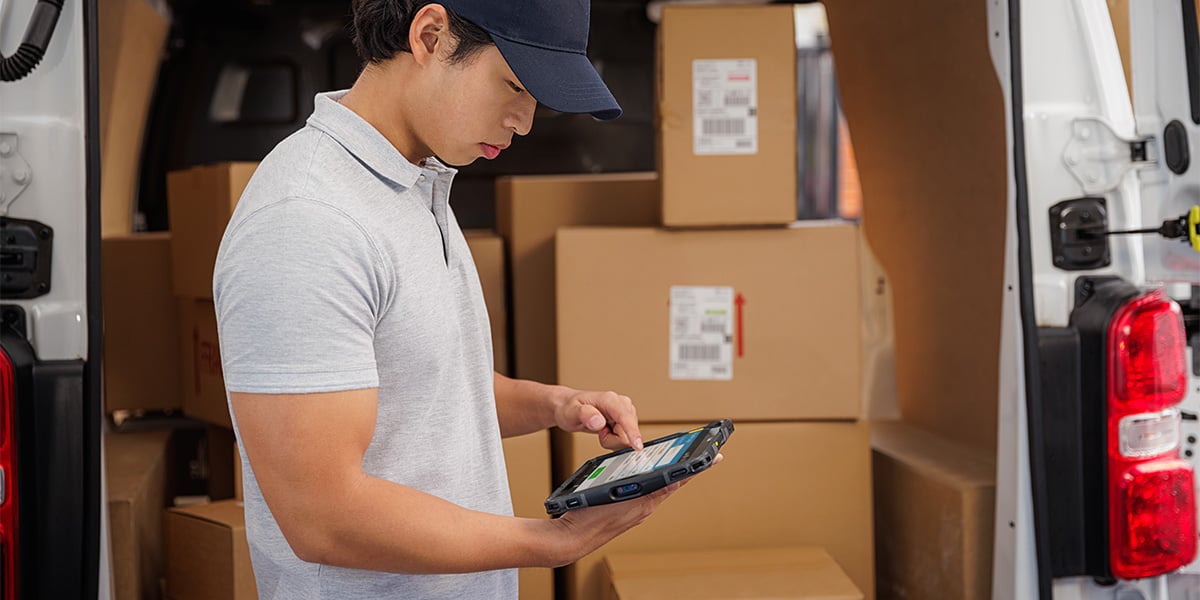
This guide explains the most crucial decision factors when selecting a rugged tablet - from IP ratings to operating systems.
Welcome, ID Card Group customers!
On September 24th, IDCardGroup.com transitioned to Levata.com. You still have access to the ID solutions you rely on, along with a broader selection of data capture and technology solutions.
What you can expect:
Questions? Call 1-833-353-8282.
Thank you for choosing Levata.
Welcome, IT Planet customers!
On September 24th, ITPlanet.com transitioned to Levata.com. You still have access to the products you rely on, along with a broader selection of data capture and technology solutions.
What you can expect:
Questions? Call 1-833-353-8282.
Thank you for choosing Levata.
Welcome, Barcode Planet customers!
On September 24th, BarcodePlanet.com transitioned to Levata.com. You still have access to the products you rely on, along with a broader selection of data capture and technology solutions.
What you can expect:
Questions? Call 1-833-353-8282.
Thank you for choosing Levata.