
Big Ideas. Real Store Results. Meet Levata at NRF 2027
Visit Levata at NRF 2027, booth #6872, to explore RFID, store modernization, global IT fulfillment, and managed services that help retail operations scale.

My Cart
—
Incl. VAT
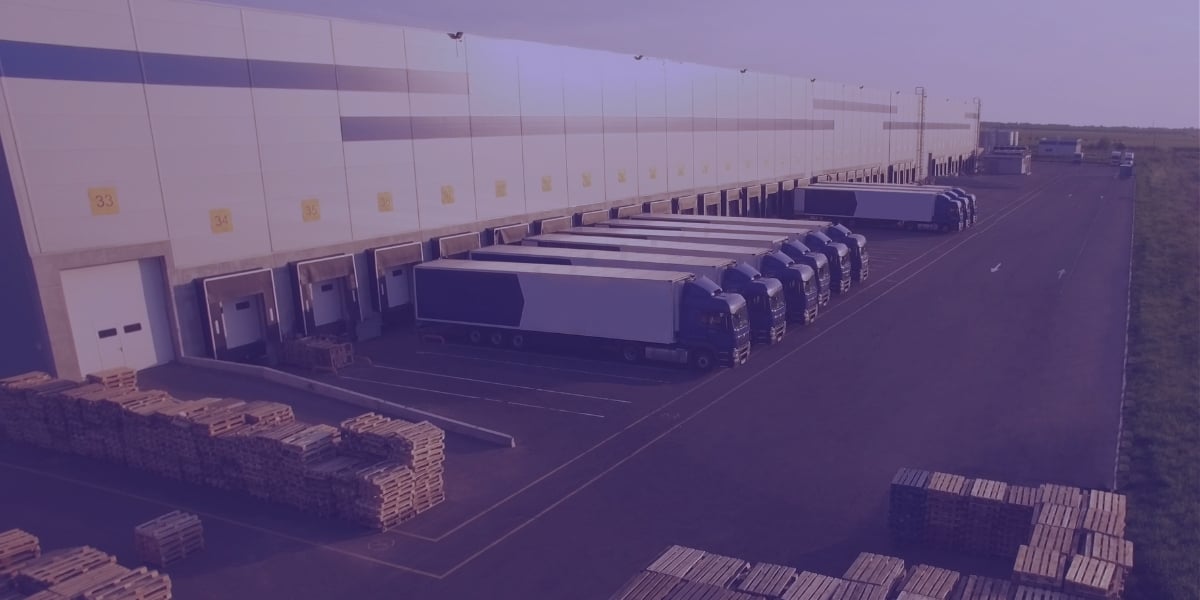
An RFID dock door reads every tagged pallet and carton as it crosses the doorway, so receiving and shipping get checked without anyone stopping to scan. Compared with handheld barcode checks it is faster per pallet and removes the aiming and triggering, but it costs more to install and only works when the freight carries RFID tags and the read zone is tuned to the door. This guide covers the hardware, the SLS D-Series models Levata offers, and when a fixed door beats a handheld reader.
In this guide
An RFID dock door is a pair of antenna panels on either side of a loading door, wired to a reader that identifies every tagged pallet or carton passing between them. It works by filling the doorway with a read zone, so tags are read while freight moves and nobody has to point a scanner at a label. Levata's RFID dock door solutions use this layout to read many tags at once without line of sight, which is the biggest practical difference from barcode scanning.
The reader and tags follow the EPC Gen2 UHF standard, which covers 860 MHz to 930 MHz, so tags and readers from different makers are built to work together. Each read gives the software a tag ID, a time and the antenna that heard it. The software then decides what the read means: a pallet received, a carton loaded, or a mistake.
That last step is where most dock door projects succeed or struggle. The panels are the easy part to buy, and the rules that turn reads into events take the most planning.
An RFID dock door needs five parts: antenna panels, a reader, cables and power, software, and tagged freight.
| Part | What it does | What to look at |
|---|---|---|
| Antenna panels | Create the read zone across the opening | SLS D-Series panels, 2 ft to 8 ft tall, listed in the next section |
| Reader | Drives the antennas, decodes tags and sends reads to software | Browse fixed RFID readers. The Impinj R700 has four antenna ports and runs on PoE or PoE+ |
| Cables and power | RF cables link panels to the reader, and one Ethernet cable carries data and PoE power | SLS D-Series kits list 30 ft cables and PoE power with no extra servers or AC power |
| Software | Filters stray reads, matches reads to orders and passes events to your WMS or ERP | RFID tracking software |
| Tagged freight | Gives the door something to read | RFID labels, RFID tags and RFID printers for labeling on site |
Panels on both sides of the door are what Zebra calls a transition portal, the form built for dock doors. Zebra lists three other forms: wall mount portals for doorways and hallways, tunnels for conveyors and tables for workstations. Premium Guard, described below, put a tunnel beside its dock doors.
The SLS D-Series model that fits your dock door depends on the reader you own, the panel height you need and the weather at the dock. Levata lists five models, and they split into two groups: panels that arrive without a reader and kits with an Impinj R700 included.
| Model | Panels in the kit | Reader | Size per panel | Weight | Temperature range |
|---|---|---|---|---|---|
| D-100 | One enclosure with two 3 ft antenna elements | None | 61 x 9 x 2 in | 10 lb | -4°F to 140°F |
| D-111 | One enclosure with two 3 ft antenna elements | Impinj R700 | 61 x 9 x 2 in | 10 lb | -4°F to 140°F |
| D-200 | One 2 ft mini panel | None, and no cables | 24 x 15 x 4 in | 10 lb | -4°F to 140°F |
| D-511 | Two 5 ft panels, 30 ft cables, installation hardware | Impinj R700 | 62 x 15 x 4 in | 30 lb | -4°F to 140°F |
| D-811WP | Two 8 ft weatherproofed panels, two 30 ft cables, installation hardware | Impinj R700 in an enclosure | 96 x 15 x 4 in | 45 lb | -4°F to 140°F |
All five list SLS Wave Antenna technology and PoE power, and Levata's pages describe the kits as plug and play with no extra servers or AC power. The D-200 is a single mini panel with no reader or cables, so it works as a building block for a larger setup.
Compare your tallest stacked pallet with the panel height before you choose. The 96 in D-811WP is the tallest of the five and the only one listed as weatherproofed. If you already own an Impinj R420 or R700, or a Zebra FX9600 or FX7500, the reader-free D-100 avoids paying for a second reader, since all four are on the compatibility list.
An RFID dock door verifies receiving and shipping by comparing every tag it reads with the order, ASN or load plan the freight should match. At receiving, the software checks reads against the advance ship notice or purchase order and flags a missing carton, an extra carton or a pallet that belongs elsewhere. At shipping, the same check runs against the order, and it finishes before the truck leaves.
Catching a mistake at the door matters because once the truck leaves, a wrong shipment turns into a return or a chargeback. Levata's supply chain visibility with RFID page lists shipment verification as a core use.
The door also has to know which way freight moved. Adient's readers record each container's identity, direction of travel and location, so the software knows whether a container left or came back. A common way to get direction is two sets of antennas along the path, where the order of the reads gives the answer, as the diagram shows.
You stop an RFID dock door from reading the wrong freight by tuning the read zone against the real dock, with real freight, before go live. Radio signal does not end at the edge of the doorway. A pallet staged beside the next door, or a loaded pallet waiting in the aisle, can be read by the wrong door if the zone reaches it.
Hardware helps. Levata's SLS D-Series pages describe Wave Antenna panels built for controlled read zones that reduce cross reads, and Zebra says its portals use specialized antenna technology to tune out crosstalk. The final tuning still happens on the real dock, with staged pallets, forklift traffic, a trailer at the door and the neighboring doors running at the same time. Levata's site surveys and testing and validation services cover that work.
An RFID dock door beats handheld scanning when the same door sees steady volume and the freight is already tagged. Three options cover most dock checks, and they differ on a few checkable points.
| RFID dock door | Handheld RFID reader | Handheld barcode scanner | |
|---|---|---|---|
| Needs RFID tags on the freight | Yes | Yes | No, barcode labels only |
| Needs a person at each pallet | No | Yes | Yes |
| Needs a clear line to the label | No | No | Yes |
| Reads many items per pass | Yes | Yes | Typically one label per scan |
| Fixed install at the door | Yes | No | No |
A rugged barcode scanner is still the better buy for a dock that moves a few pallets a day, handles untagged freight or has no plan to tag. A handheld RFID reader is a sensible middle step, since it gives you RFID reads for cycle counts and exceptions without a door install. Many sites end up with both, the door for steady flow and a handheld for the pallet that fails verification.
An RFID dock door looks like two panels flanking a door and a reader on the wall. Let’s look at two real world examples of what that setup does.
Premium Guard, an automotive aftermarket manufacturer, ships full truckloads to retailers and set out to cut wrong shipments, chargebacks and return freight. Its SLS D-Series dock doors confirm each shipment is loaded onto the correct truck, an SLS T-Series tunnel counts pallet contents and feeds the ERP, and mobile readers handle cycle counts. The company relabeled more than 600,000 boxes, and ten vendors now ship with RFID labels already applied.
The first phase went well enough that Premium Guard plans a dedicated dock door for each large customer.
Adient, an automotive seating supplier, used SLS D-Series panels on either side of dock doors about 8 ft wide to track 875,000 reusable containers worth from $3 to $1,500 each. Levata's case study lists 99% read accuracy on tagged items, and a count that used to take days now takes minutes. The doors also show which customers are failing to return empty containers.
Before you buy an RFID dock door, check the tags, the door, the software link and the pilot plan.
Levata's supply chain solutions combine the hardware with design, installation and support. These unique expert services can make
Yes, with the right model. The D-811WP is the weatherproofed SLS D-Series model, and it and other models list -4°F to 140°F, as the functioning temperature range
The SLS D-Series pages list the Impinj R420 and R700 and the Zebra FX9600 and FX7500 as compatible readers. The D-111, D-511 and D-811WP come with an Impinj R700, so no separate reader purchase is needed.
Yes. The same panels read freight in both directions, and the software labels each read as inbound or outbound, as Adient's setup does with direction of travel.
Yes. Premium Guard launched in phases and plans to add dedicated doors after the first phase worked, and Levata's proof of concept service is built for a single door test.
An RFID dock door fits a door that moves steady volume of tagged freight and a team that wants exceptions flagged before the truck leaves. For light or untagged traffic, a handheld reader or scanner stays the simpler choice. Levata offers the SLS D-Series panels and readers, and its field team installs and tunes them.
Tell us how many doors you have, what freight crosses them and which WMS you run. A Levata specialist will help you pick the panels, the reader and the pilot plan.
Visit Levata at NRF 2027, booth #6872, to explore RFID, store modernization, global IT fulfillment, and managed services that help retail operations scale.

UHF RFID reads more than 1,000 tags per second from up to 10 meters without line of sight. See why warehouses pick it and what else you should know.
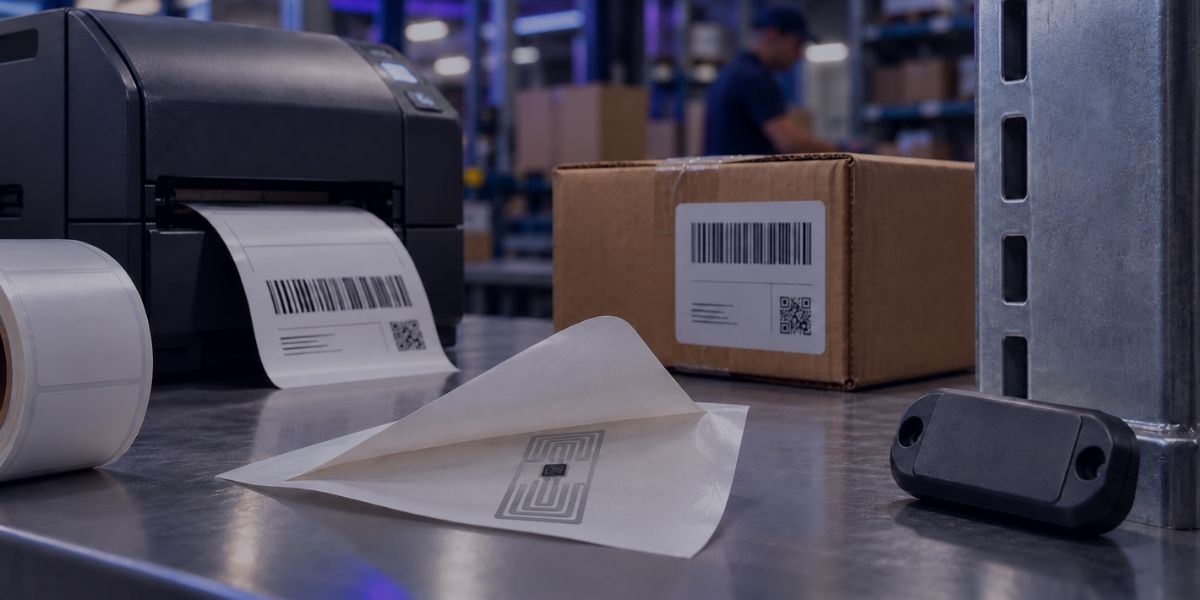
RFID labels explained: the types, how to print and encode them, and when a hard tag is the better choice.
Welcome, ID Card Group customers!
On September 24th, IDCardGroup.com transitioned to Levata.com. You still have access to the ID solutions you rely on, along with a broader selection of data capture and technology solutions.
What you can expect:
Questions? Call 1-833-353-8282.
Thank you for choosing Levata.
Welcome, IT Planet customers!
On September 24th, ITPlanet.com transitioned to Levata.com. You still have access to the products you rely on, along with a broader selection of data capture and technology solutions.
What you can expect:
Questions? Call 1-833-353-8282.
Thank you for choosing Levata.
Welcome, Barcode Planet customers!
On September 24th, BarcodePlanet.com transitioned to Levata.com. You still have access to the products you rely on, along with a broader selection of data capture and technology solutions.
What you can expect:
Questions? Call 1-833-353-8282.
Thank you for choosing Levata.