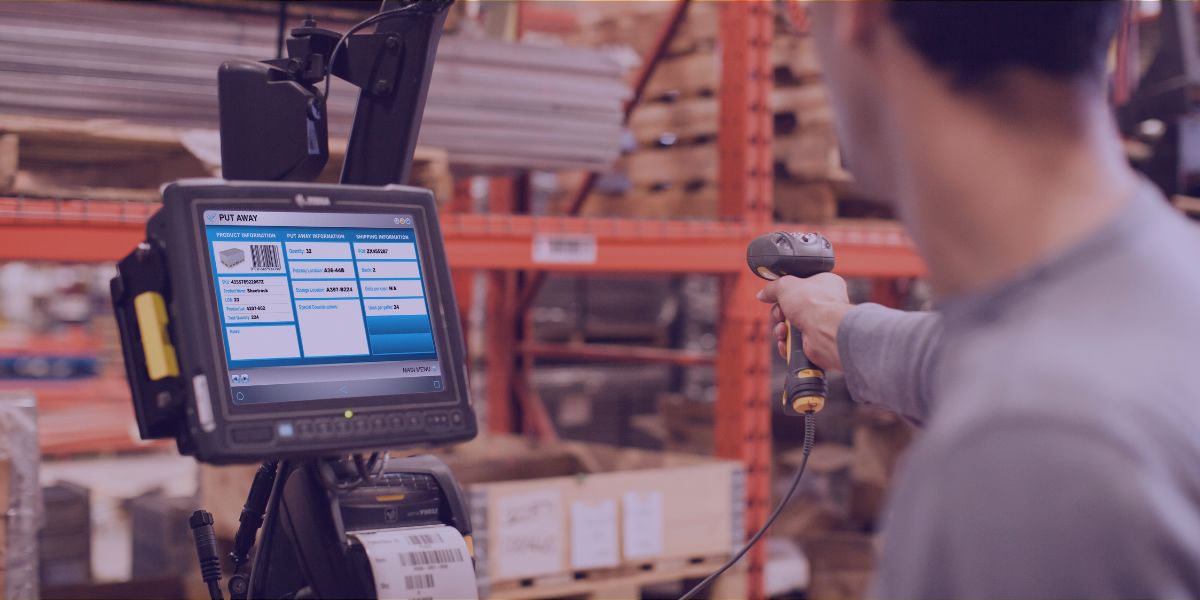
A forklift computer is a vehicle mounted computer wired to the truck's power when the operator stays on the truck, or a rugged tablet in a vehicle dock that can be removed by the operator to step out of the vehicle and pick, count or inspect inventory. Choose a vehicle mounted computer by the most common tasks during the shift first, then confirm the voltage, screen and mounting that best fit your trucks.
In this guide
- What is a forklift computer and what does it do?
- Should you choose a vehicle mounted computer or a rugged tablet?
- How is a forklift computer powered?
- How should you mount a forklift computer?
- Which specs matter when buying a forklift computer?
- What changes in cold storage and outdoor yards?
- How do you set up a forklift computer, step by step?
- What does a forklift computer cost over its life?
- Forklift computer FAQ
What is a forklift computer and what does it do?
A forklift computer is a rugged computer fixed to a lift truck that shows the operator their tasks and records scans that are confirmed in your warehouse management system (WMS) while the truck works. A current terminal packs the keyboard, backup power and power conversion into one housing, and it can tie together the truck's own systems, scanners, RFID readers and scales, as Modern Materials Handling describes.
Levata carries vehicle mounted computers from Brady (formerly Honeywell), Zebra, Datalogic, Advantech, Thunderbook and other brands. The category covers warehouse trucks, port and yard equipment and other industrial vehicles, so this guide applies whichever manufacturer you choose.
Should you choose a vehicle mounted computer or a rugged tablet?
Choose a vehicle mounted computer when the device stays on the truck, and a rugged tablet when the operator steps off for part of the shift. Modern Materials Handling gives an example operator who spends about 60% of the day on the lift truck and 40% on tasks such as receiving, cycle counts and inspecting damaged goods, which is the pattern where a tablet pays off.
A fixed unit is wired to the truck, so it doesn’t require recharging, and it can’t get left behind on a pallet. A mobile tablet placed in a dock can leave the truck, but downfalls include dock connector wear, or the tablet left behind in another department.
| Question |
Vehicle mounted computer |
Rugged tablet in a dock |
| Computer mobility |
Stays on the truck |
Comes off the truck for picking, counts and inspections |
| Power |
Wired to the truck battery |
Internal battery, charged in the dock |
| Keyboard |
Often built in. The Zebra VC8300 offers a backlit 67 key keyboard |
Touchscreen, with an optional external keyboard |
| Cold storage |
Freezer-rated models heat the screen and clear condensation |
Check temperature rating. May lack freezer heating. Some use heated docks and freezer-rated batteries |
| Network |
Wi-Fi |
Wi-Fi, plus cellular on many models |
| Browse at Levata |
Vehicle mounted computers |
Rugged tablets |
Rugged tablets are catching up in cold rooms, since newer models offer heated docks and freezer rated batteries. Check that the dock and the battery are rated for the cold along with the tablet.
For a truck that never leaves its aisle, the fixed unit is simpler. For mixed duty in a third-party logistics warehouse or a store backroom, a tablet saves buying a second device.
How is a forklift computer powered?
A forklift computer runs from the truck's own battery, through a DC/DC power supply that converts the truck's voltage to what the computer needs. The device fleet needs to be compatible to your forklift truck, so be mindful of different types of forklift trucks used in each warehouse.
Honeywell, now Brady IPS, lists electric lift truck batteries at 36V to 72V and diesel trucks at 12V to 24V, and it warns that output can fall below 6V when a diesel engine starts. The computer has to ride through that dip without rebooting.
The computer also has to stop drawing power when the truck sits idle. Honeywell says a diesel truck can fail to start on a Monday if its computer drained the battery over the weekend.
Compare the input range on the spec sheet with your highest voltage truck. Zebra lists the VC8300 at 10V to 60V DC, which reaches 60V and stops short of the 72V top of the electric range. A fleet with 72V trucks needs a different model or converter for those trucks, so check with Levata before ordering.
How should you mount a forklift computer?
Mount the screen beside the operator's line of sight, within reach from the seat, on a bracket the truck maker has approved.
OSHA's powered industrial truck standard says users may not make modifications or additions that affect capacity and safe operation without the manufacturer's prior written approval, and that the truck's plates and markings must be updated to match. Ask your truck dealer whether a given mount passes approval, and keep the answer in writing.
The same standard tells operators to keep a clear view of the path of travel. A screen in the forward sightline, or a bracket that blocks the view past the mast, works against that.
Put the display where the operator can read it with a glance, and also still reach the keys without leaning out of the seat. Use a bracket or arm rated for forklift vibration, and check every fastener after the first few weeks.
Which specs matter when buying a forklift computer?
Five specs decide whether a forklift computer survives your warehouse site: input voltage, ingress protection, operating temperature, vibration testing, and screen brightness.
The Zebra VC8300 shows what a complete listing looks like. Zebra's sheet gives a 10V to 60V isolated input, IP66 sealing, an operating range of -22 to 122 °F, MIL-STD-810F vibration testing and a 1,000 nit screen. If a maker leaves one of the five off the sheet, ask for it before you order.
| Spec |
Zebra VC8300 (8 inch) |
Honeywell Thor VM3 |
| Display |
8 inch, 1280 x 720 |
12.1 inch, 1024 x 768 |
| Operating temperature |
-22 to 122 °F |
-22 to 122 °F |
| Vibration testing |
MIL-STD-810F and IEC 60721-3-5M3 |
MIL-STD-810F |
| Keyboard |
Backlit 67 key, field replaceable |
Touchscreen only |
| Operating system |
Upgradeable to Android 14 |
Windows IoT Enterprise |
| Levata product page |
Zebra VC8300 |
Honeywell Thor VM3 |
Specs come from Zebra's VC8300 sheet and Honeywell's Thor VM3 page. Be sure to check current stock, since inventory changes are typical.
Count the ports you need before you pick a model, because every scanner, RFID reader or scale takes one.
What changes in cold storage and outdoor yards?
Cold storage needs a freezer rated device with heated parts, and outdoor yards need a sealed screen bright enough for daylight.
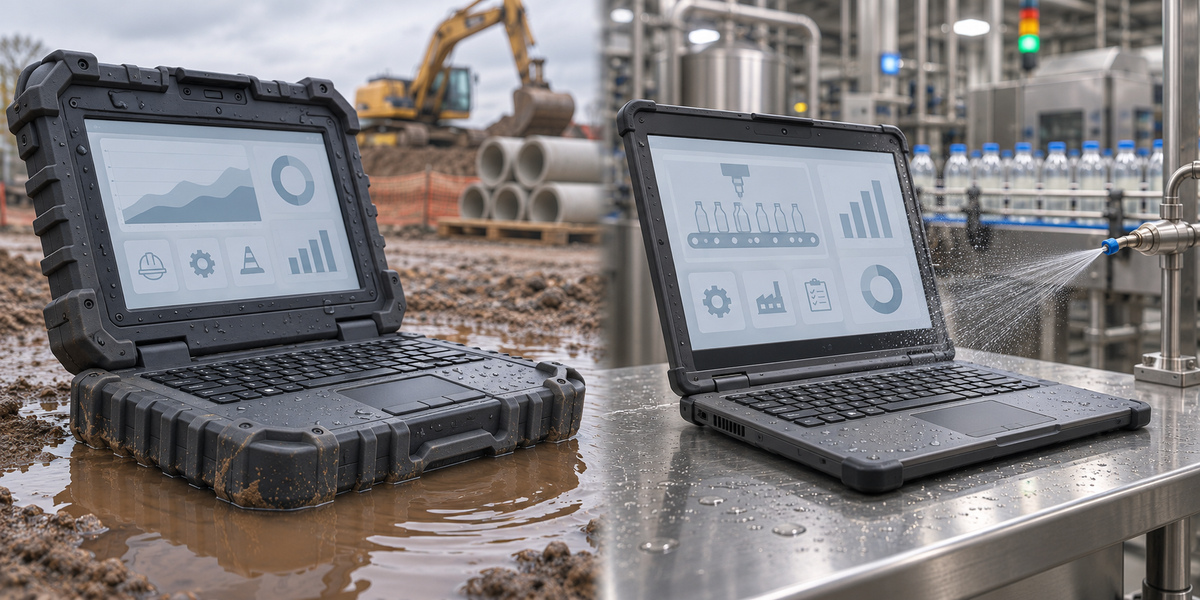
Modern Materials Handling says freezer rated vehicle mounts have heated components that clear condensation, which many rugged tablets lack. A listing of -22 to 122 °F, IP66 sealing and a 1,000 nit display, like the VC8300 sheet above, is the kind of combination a dock door or open yard calls for.
Trucks that cross between a freezer and a warm dock many times a shift are the hard case. Ask Levata whether the model is rated for repeated transitions as well as steady cold.
How do you set up a forklift computer, step by step?
Set up a forklift computer in eight steps, in this order, so voltage and approval concerns surface before any hardware is purchased.
- List every truck by power type and battery voltage. Note the highest voltage truck, because it sets the minimum input range.
- Walk each truck and choose the mount position for the screen, keys and scanner, using the sightline and reach checks above.
- Get the truck maker's written approval for the mount, and file it with the truck's records.
- Choose the model and the power supply that match your highest voltage truck and your coldest area.
- Survey Wi-Fi coverage along every truck route, including freezer doors and dock doors. Dead zones stall tasks.
- Stage the units before they reach the floor: install the WMS client, lock the unit to the work application, join the network and label it with the truck number.
- Install each unit following the maker's installation manual, connect the scanner, and run a full shift of real tasks before releasing the truck.
- Train operators, then check every fastener again after the first few weeks.
Levata ran a similar rollout with delivery trucks for Sobeys, the Canadian grocery retailer. The Sobeys case study covers 372 delivery trucks that needed electronic logging device compliance. The work matches steps 2 to 7: custom tablet docks and mounting hardware, kitting and staging, and ongoing support, finished in 10 weeks.
If you want help with staging and installation across a fleet, ask about Levata's deployment services.
What does a forklift computer cost over its life?
Compare forklift computers by cost per truck per year, which adds the computer, its mount and converter, IT time and downtime, then divides by years in service.
A consumer tablet costs less up front and can be fine for light duty, such as a few trucks on smooth floors in a climate-controlled building. On rough floors, in cold rooms or across a large fleet, repairs and downtime add to the total and the lower price matters less.
A rugged unit costs more per truck. A buyer with a few trucks and a short planning horizon still makes the right choice with a lower-cost device.
Fill in the worksheet below for each model on your short list and compare the last line.
Forklift computer FAQ
Do forklift computers need a keyboard?
Not always. The Honeywell Thor VM3 is touchscreen only, while the Zebra VC8300 offers a backlit keyboard that can be replaced in the field. Choose keys when operators enter a lot of data or wear thick gloves.
Can I connect a barcode scanner or RFID reader?
Yes, through the computer's USB or serial ports. Some ports supply power, so confirm the port can run the barcode scanner or RFID reader you plan to attach.
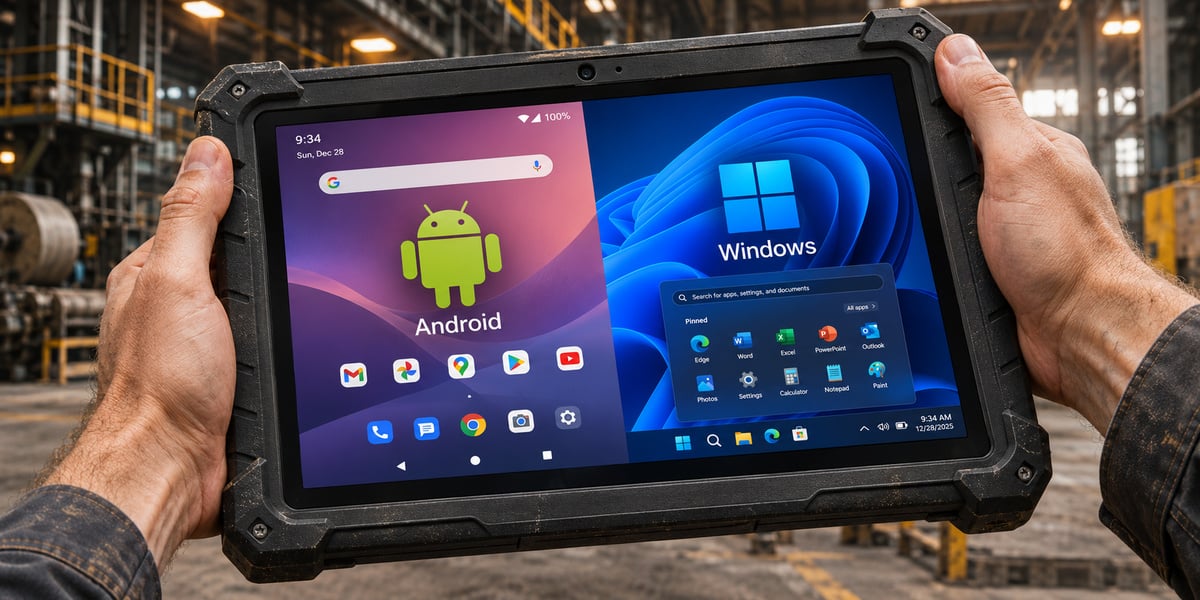
Should the computer run Windows or Android?
Match to your WMS client. A Windows application needs a Windows model, while browser-based or Android software can run on either. Modern Materials Handling reports that many IT teams favor Android because they already manage it.
What happens to the computer when the truck is switched off?
Most models need a backup power plan. The VC8300 has an internal UPS rated for at least 30 minutes, which keeps the unit running through short power interruptions. Ask the maker how a model shuts down when truck power stays off, because a unit that keeps drawing power can drain the battery.
Get a forklift computer matched to your trucks
A forklift computer works when its voltage range, mount and screen all match in compatibility with the truck. Settle voltage and mount approval first, then choose the model.
Tell Levata your truck types, battery voltages and shift pattern, and we will recommend models and price the full setup. Request a Quote